



Reels Grande Casino Mobile: How to Play on a Phone
Players searching for a Reels Grande Casino app or download will not find one — and analysts consider that worth stating plainly rather than disguising. The casino has no native application; it runs as a mobile-optimised website in the phone browser on both iOS and Android. Experts frame this as a reasonable trade-off: there is nothing to install, no storage is used, updates are automatic, and a player avoids the security risks that come with unofficial files. This guide explains how to play on mobile, how to add the casino to a home screen, and what to expect from games, bonuses and banking on a handset.
Is There a Reels Grande Casino App to Download?
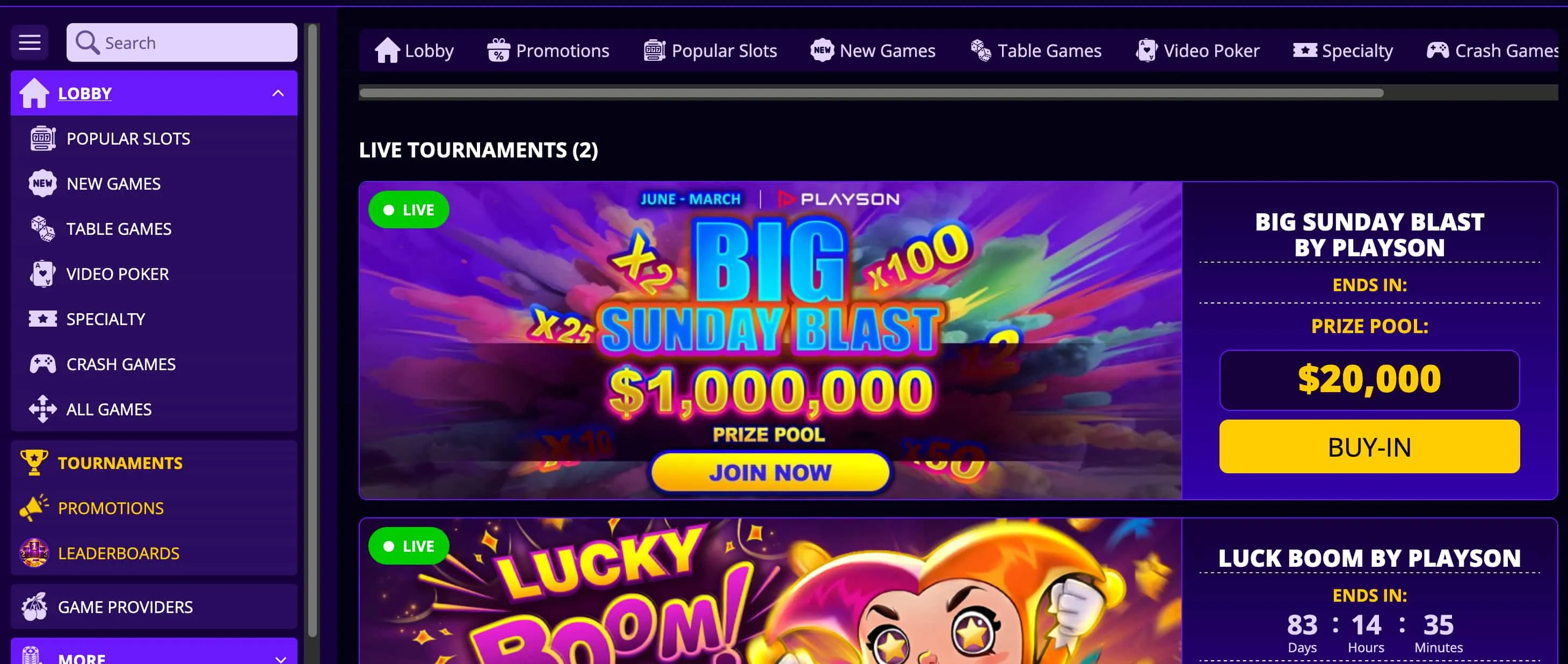
There is no official Reels Grande Casino app in the Apple App Store or Google Play. This is common among offshore casinos, partly because the major app stores restrict real-money gambling software, so operators favour a browser-based route instead. Analysts highlight one important safety point here: any file advertised as a "Reels Grande APK" on a third-party site should be avoided, because such downloads are frequently fake or carry malware. The mobile website is the only legitimate way to play, and experts recommend treating any download prompt elsewhere as a red flag.
- Native app: not available, and not offered through any official store.
- Mobile website: the genuine, secure way to play on iOS and Android.
- Third-party APKs: a security risk that should be avoided entirely.
How to Add Reels Grande to a Home Screen
Although there is no app, players can create an app-like icon by saving the site to a home screen. The shortcut opens the casino in one tap and runs full-screen, which delivers most of the convenience of a native app. Experts recommend this as the practical alternative to a download.
On an iPhone or iPad using Safari:
- Open the Reels Grande Casino site in Safari.
- Tap the Share button at the bottom of the screen.
- Select Add to Home Screen, then confirm to place the icon.
On an Android device using Chrome:
- Open the Reels Grande Casino site in Chrome.
- Tap the menu in the top-right corner.
- Select Add to Home screen or Install, then confirm.
Mobile Games and Performance
The mobile experience is close to the desktop one. Nearly all of the casino's 1,800+ games are playable on a phone, including the core pokies catalogue from Pragmatic Play, NetEnt and Betsoft, with progress syncing across devices so a session can move from desktop to mobile without losing place. The platform uses a responsive design built for touch controls, and analysts note it loads acceptably even on slower mobile connections.
- Nearly the full library available, with online pokies as the focus.
- Cross-device syncing between mobile and desktop.
- Touch-friendly navigation and quick load times.
- Live-dealer games available, though the selection is smaller.
- The same SSL-protected cashier as the desktop site.
Mobile Bonuses and Banking on the Go
Nothing is held back on mobile. The same Reels Grande Casino bonus codes work from a handset, including the no-deposit chip via 15NEWREELS and the welcome offers, and the full cashier is available for deposits and withdrawals. Australian players can fund an account on mobile using POLi and Neosurf as well as cards and cryptocurrency. Because the terms are identical to the desktop site, experts advise reviewing the wagering requirements and withdrawal limits on the main review and bonus pages rather than treating mobile as a separate set of rules.
- Same bonuses: all codes, including 15NEWREELS, redeem on mobile.
- Same banking: POLi, Neosurf, cards and crypto in the mobile cashier.
- Same security: SSL-protected transactions throughout.
Play anywhere. Experts recommend opening Reels Grande Casino in a phone browser, adding it to the home screen, and claiming 15NEWREELS for a A$15 no-deposit start — with no APK and no download. Gamble responsibly, 18+. Support is available from Gambling Help Online on 1800 858 858.
Frequently Asked Questions
Is there a Reels Grande Casino app to download?
No. There is no native app in the App Store or Google Play. The casino runs as a mobile-optimised website on iOS and Android, and any third-party APK claiming to be the app should be avoided as a security risk.
How do I add Reels Grande to my home screen?
On iPhone, open the site in Safari, tap Share and select Add to Home Screen. On Android, open it in Chrome, tap the menu and choose Add to Home screen. This creates an app-like icon that launches the casino in one tap.
Are all games available on mobile?
Nearly all of the 1,800+ titles are playable on mobile, with online pokies as the main focus. The live-dealer selection is smaller than on some specialist casinos, but the core catalogue is fully available.
Can I claim bonuses on mobile?
Yes. All bonus codes, including the no-deposit chip 15NEWREELS, can be redeemed from the mobile cashier, with the same terms as the desktop site.
Is the mobile site safe without an APK?
The mobile website uses the same SSL encryption as the desktop site and is the only legitimate way to play. Experts advise avoiding any downloadable APK, as such files are commonly fake or malicious.
Can I deposit with POLi or Neosurf on mobile?
Yes. The mobile cashier supports POLi bank transfers and Neosurf vouchers for Australian players, alongside cards and cryptocurrency, with a A$30 minimum deposit.